
tutorials
2024-02-01
map2earn™ reward program rules
Rules: While mapping using the OVER app remains fully permissionless – allowing community members to create and use their maps without moderation on quality* – to qualify for the map2earn reward program, created maps must meet a minimum quality standard, verified by OVER operators. Here are the necessary rules and helpful suggestions for creating eligible OVER Maps: […]

2023-12-13
The ultimate guide to the OVER Mapper
Best practices, tips and tricks to creating top notch 3D maps and maximizing your earning potential as we Map the World in 3D. The Mapper tool is a major feature of the OVER app which uses the camera in your smartphone or tablet to capture multiple images from physical locations. State-of-the-art AI algorithms then piece […]
2022-04-04
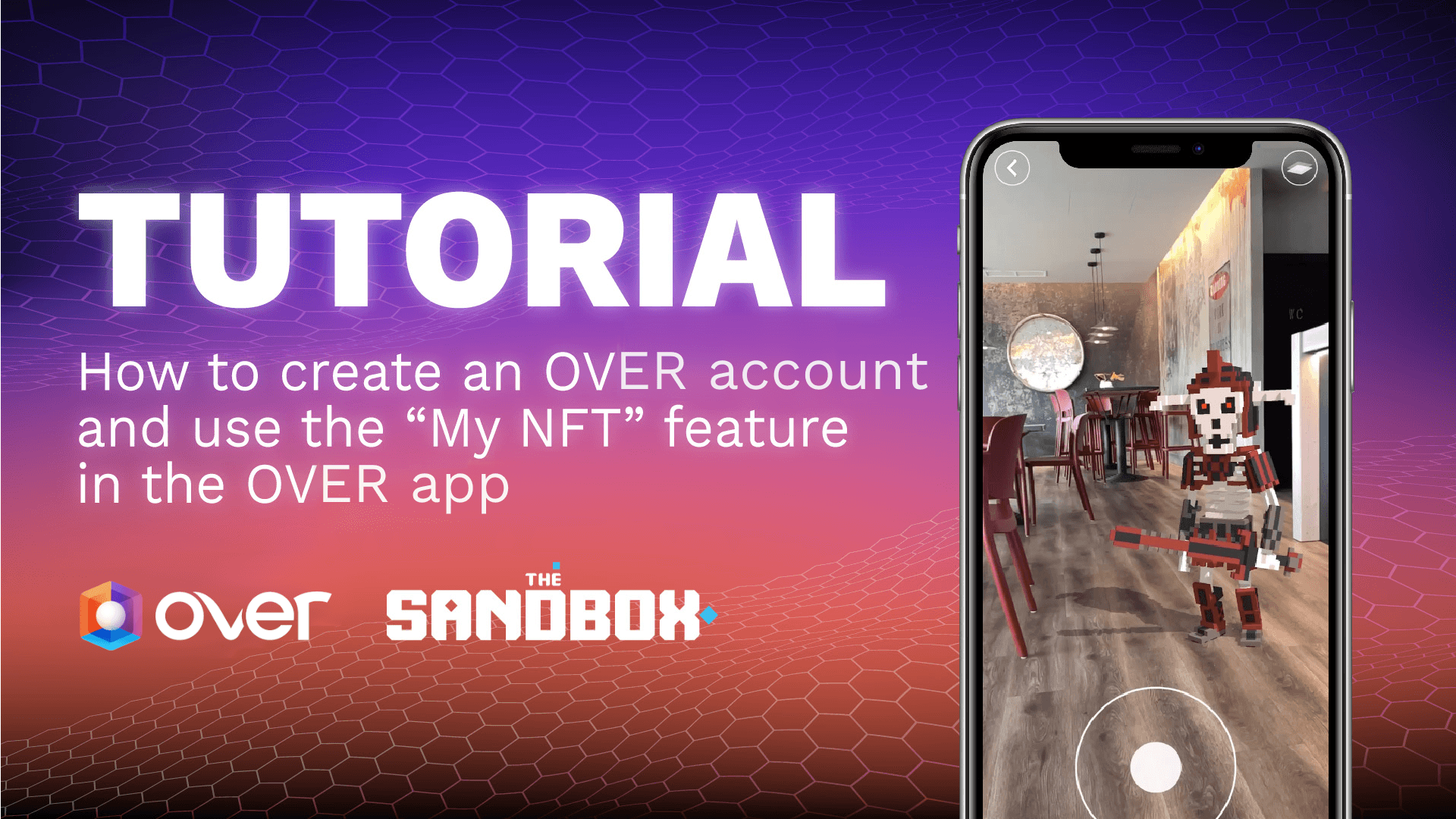
How to create an OVER account and use the “My NFT” feature in the OVER App
Step 1 Visit the OVER Marketplace by clicking this link https://marketplace.ovr.ai/, then click on the “SIGN IN” button at the top right. Step 2 Click on the “REGISTER” button. Step 3 Fill out the form with a username, a valid email, and set up a password. NOTE: You will receive an email requesting you to […]
2021-12-24
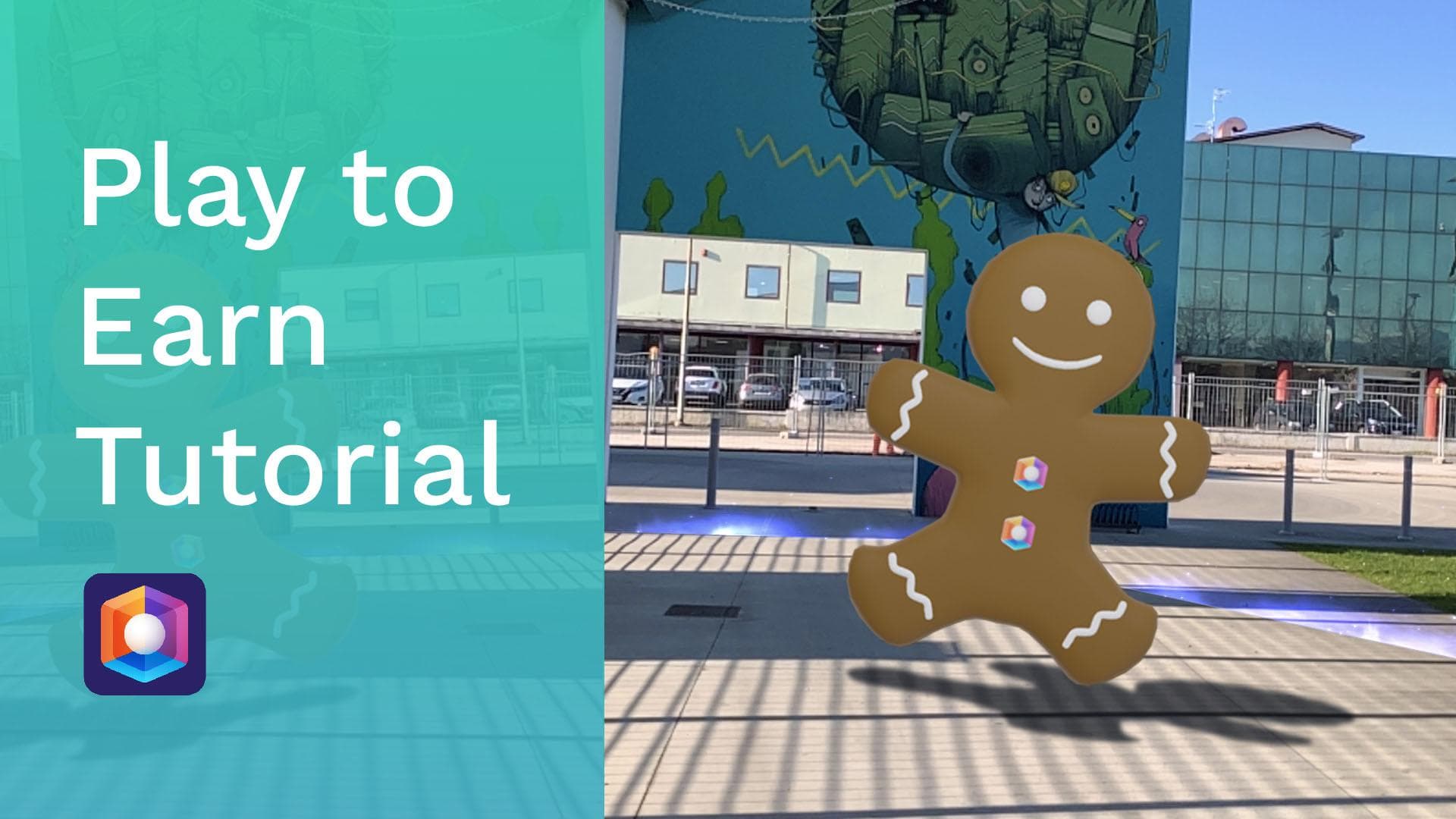
How to Play to Earn on the OVER Platform
Step 1: Download the OVER App Step 2: Log in with your social account (FB, APPLE, WECHAT, GOOGLE) Step 3: Click the banner on the homepage or click Play to Earn Step 4: Start hunting according to the navigator and collect as many 3D collectibles as possible. CAUTION: Once Play to Earn starts, OVER will […]
2021-12-22
How to use the Threedium feature on OVR Web Builder
Using Threedium in the OVR Builder is easy. In this article, we’ll provide a step by step guide on how to use it. 1. First, login to the OVR Builder and click on “New 3D Threedium Request” below the “Projects” section. 2. Next, fill in the form with all the required information and upload pictures […]
2021-09-12
How to Buy OVR Tokens with a Credit Card
Please Note: Due to regulatory reasons, US and China citizens are not eligible to buy OVR tokens using credit card payment method. 1 – From the home page, click on the menu button. 2 – Scroll down and click on “BUY OVR” 3 – Click on “Sign in” 4 – Create an account by entering […]

2021-07-01
How to use OVRLive
Note: Make sure you have given OVR the permission to use the camera and your device microphone First, launch the application on your mobile device. Click on OVR LIVE and select the “configure your Avatar” option. Customise your avatar by clicking the “personalize your face” option→ Upload a photo from your gallery or take an […]
2021-06-01
How to participate in Auctions
Before you can participate in an OVRLand auction, you need to have a Metamask or Imtoken wallet with OVR tokens, and if not, you might first buy some OVR token through our IBCO. Or simply swap it on Uniswap. Visit the OVR marketplace and click “connect wallet” on top. If it is your first time […]